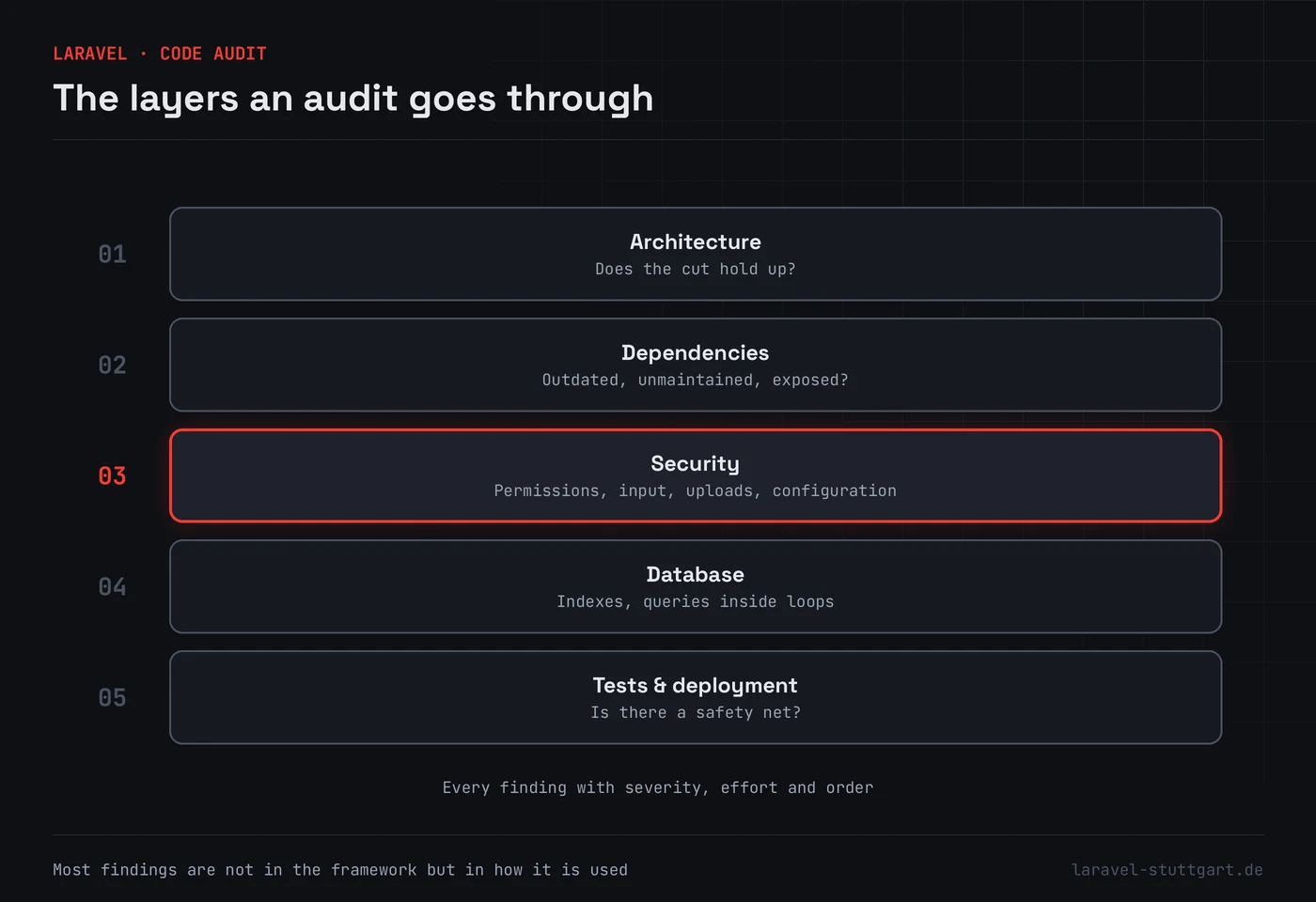
When we look at somebody else’s Laravel application, the findings resemble each other to a surprising degree. Not because everyone makes the same mistake. Because under time pressure, the same places are always the first to be left.
1. Permissions are checked in the interface, not at the access
The delete button is hidden from users without the right, but the route behind it checks nothing. Anyone who knows the address deletes anyway. By a distance the most common finding, and at the same time the one with the heaviest consequences.
The check belongs at the access itself — in Laravel, in a policy or a gate — and it has to apply when the call does not come from your own interface either.
2. Mass assignment with no limits
A form sends fields, the model takes them. Convenient, until somebody sends along a field the
form does not contain, a role flag for instance. Passing input unfiltered to create or
update opens exactly that door.
The remedy is unremarkable: state explicitly which fields may be assigned, and validate and pass on only what belongs there.
3. File uploads with no real check
Often the file extension is checked, sometimes the type the browser reports. Both come from the client and therefore prove nothing. On top of that, uploaded files frequently land in a directory the web server serves directly.
What is needed is a server-side type check, a freshly assigned file name, and a store nothing is served from directly. Retrieval then runs through a route that checks the permission first.
4. Development configuration in production
Error display is switched on, and the next exception shows database credentials and file paths. Or the caches for configuration and routes are missing, which besides the speed means mainly one thing: nobody has ever checked the production mode.
Something like this is fixed in an hour. It still turns up in the report regularly.
5. Logs that know too much
While hunting a bug, request data gets logged, and the line stays in afterwards. From then on there are passwords, tokens or personal data in a file many people may read and few ever tidy. A security matter, and a data protection one at the same time.
6. Dependencies from another era
The application runs, so nobody touches it. Three years later dozens of packages are out of date, some with known vulnerabilities, and none can be updated on its own any more because they all depend on each other.
This is not a security fault in the narrow sense. It is a maintenance omission with security consequences, and the reason why regular care comes cheaper than occasional rescue operations.
What follows from this
None of these points calls for specialist knowledge. They call for somebody to look before there is an occasion to. How we go about that, and what you end up holding, is under consulting and code audit.