A spreadsheet is rarely planned as software. It starts as a list, gains a column, then a formula, then a second sheet. At some point a whole department works with it, and nobody ever decided that an application should grow here.
That is why the question of replacing it is almost never a technical one. It is a question of when the tool starts costing more effort than it saves.
Five signs the limit has been reached
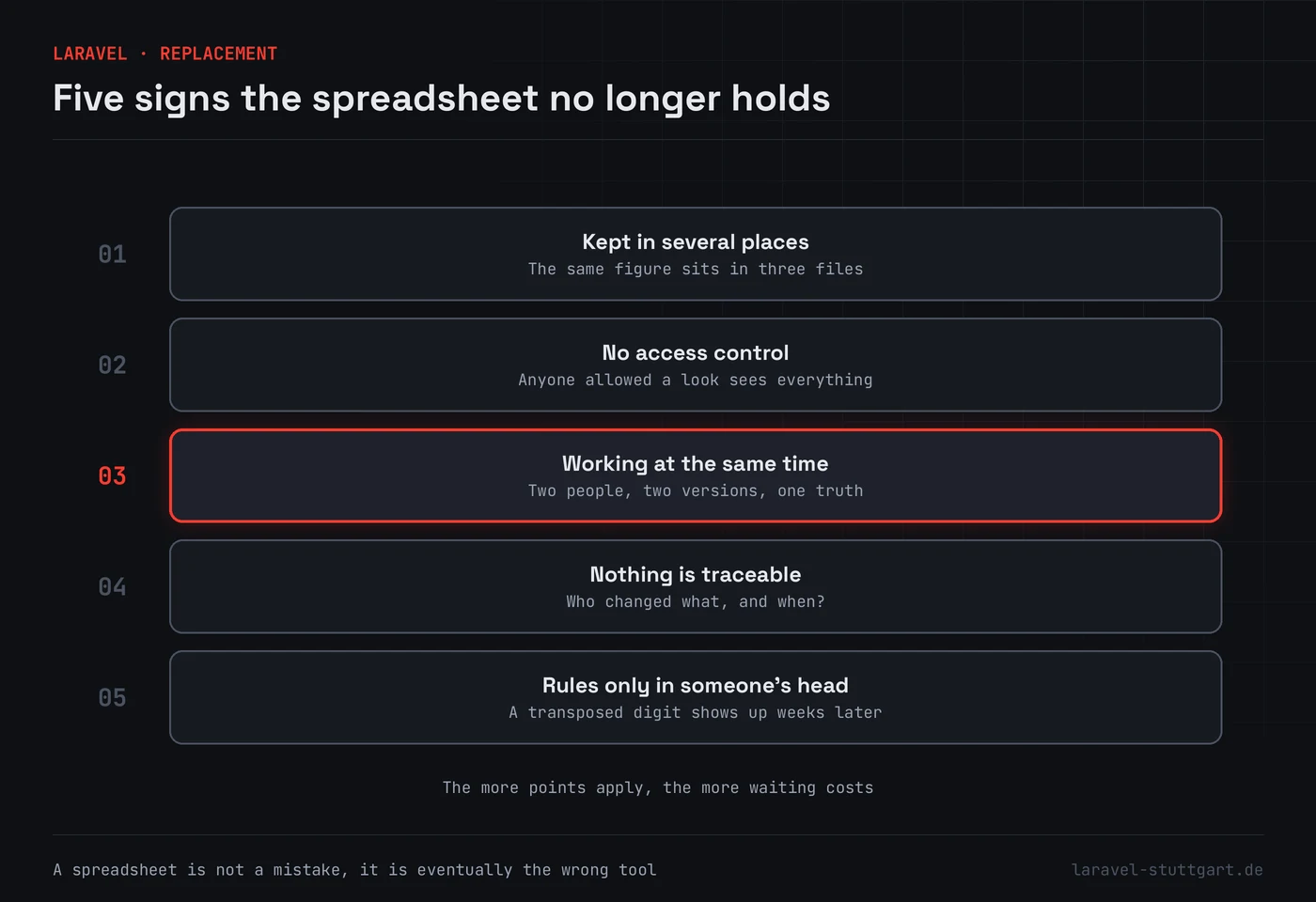
The same figure sits in several places. A customer’s turnover is in the quote list, in the annual overview and in the sales manager’s own file. Change one and the others stay as they were. From here on there is no single truth, only versions.
Anyone allowed a look sees everything. A spreadsheet has no notion of roles. If the temp is meant to maintain quantities, they also see purchase prices and the staff column. Sheet protection helps only until somebody takes a copy.
Two people work on it at once. This is where it usually tips over. File names sprout the word “final” and a date, and the question of which version counts costs real time every week.
Nobody can say who changed what, and when. While everything is correct, this goes unnoticed. It gets noticed on the day a figure is wrong and somebody has to reconstruct since when.
The rules live only in someone’s head. That an order without a customer number must not proceed, and that a different rate applies above a certain quantity, is known by the colleague who has done this for years. The spreadsheet does not know it. It accepts every entry, including the wrong one, and the mistake surfaces weeks later in a report.
What an application does differently
It holds the data in one place and lets several people work with it at the same time. It knows about roles, checks entries as they are made, and records who changed what. And it can hold the rules that today live in someone’s head, so that they still apply while that colleague is on holiday.
The real gain sits elsewhere, though. An application can talk to neighbouring systems. An order no longer has to be retyped, because it arrives from the shop and moves on into the stock system. Those hand-offs are where a landscape of spreadsheets loses most of its time.
What you give up
Honestly, something. In a spreadsheet you try an idea out in five minutes. In an application the same idea takes longer, because it has to go through a change to the program.
You can keep that loss small by leaving the reporting open. We almost always build an export, and for recurring questions a view that can be filtered. What should not travel back into a spreadsheet is anything that then has to flow forward again.
What a sensible start looks like
Not the complete replacement. The usual route begins with the part that hurts most and leaves the rest standing for now.
A typical sequence: data capture moves first, because that is where the double work sits. Reporting stays in the spreadsheet at first and gets its figures from an export. Only once that runs does reporting move too. That way there is no single day on which everything has to work at once.
We need very little for a first session. The spreadsheet itself, a description of who does what with it, and the points where things are retyped today. The rest follows from that.
How we cut applications like this is under Laravel development. If a system already exists that has to play along, API and backend development is the better entry point.